
Steps – Online Name Reservation
Download Steps - Online Name Reservation.png
The form is always available to download and submit on paper.
BIPA published this document as an image. The text below was read by machine and may contain errors — the downloadable file is authoritative.
BUSINESS AND INTELLECTUAL
pa PERTY AUTHORITY
sting Entrepreneurship and Innovation
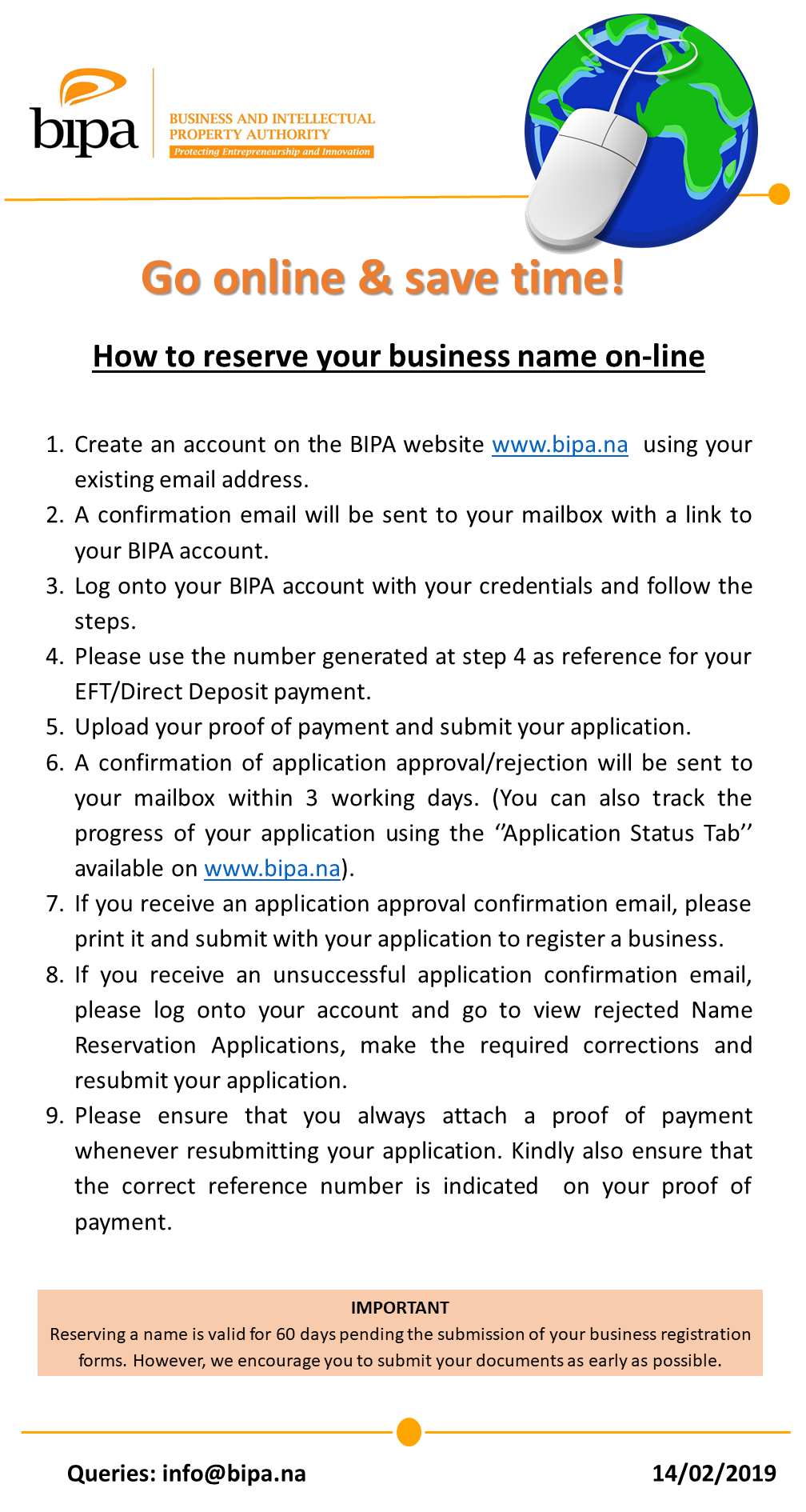
Go online & save time!
How to reserve your business name on-line
1. Create an account on the BIPA website www.bipa.na using your
existing email address.
2. A confirmation email will be sent to your mailbox with a link to
your BIPA account.
3. Log onto your BIPA account with your credentials and follow the
steps.
4. Please use the number generated at step 4 as reference for your
EFT/Direct Deposit payment.
5. Upload your proof of payment and submit your application.
6. A confirmation of application approval/rejection will be sent to
your mailbox within 3 working days. (You can also track the
progress of your application using the “Application Status Tab’
available on www.bipa.na).
7. If you receive an application approval confirmation email, please
print it and submit with your application to register a business.
8. If you receive an unsuccessful application confirmation email,
please log onto your account and go to view rejected Name
Reservation Applications, make the required corrections and
resubmit your application.
9. Please ensure that you always attach a proof of payment
whenever resubmitting your application. Kindly also ensure that
the correct reference number is indicated on your proof of
payment.
IMPORTANT
Reserving a name is valid for 60 days pending the submission of your business registration
forms. However, we encourage you to submit your documents as early as possible.
Queries: info@bipa.na 14/02/2019